

Packaging Artwork Template & Setup Guide
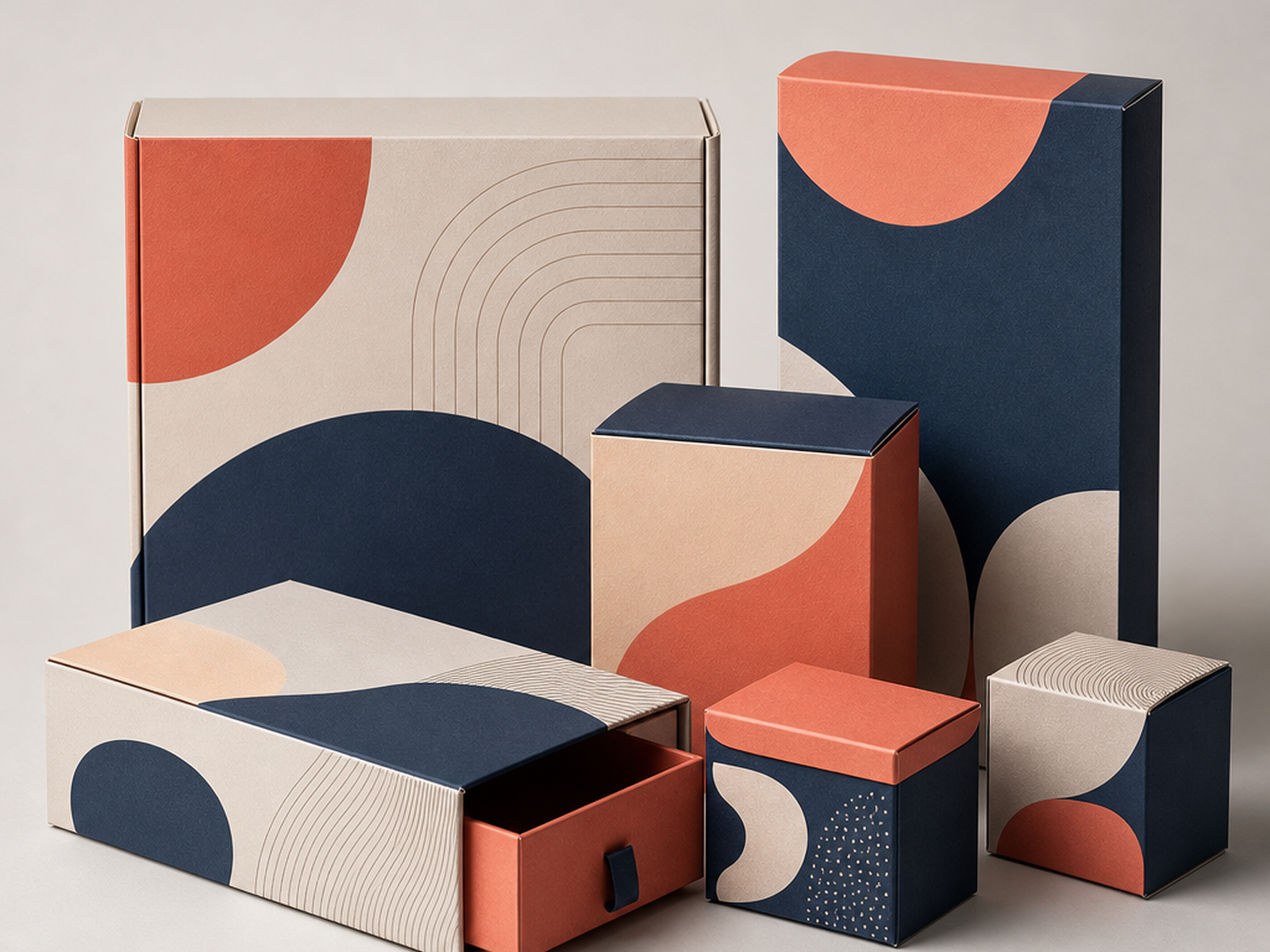
Set Up Artwork That Prints Cleanly
Most packaging print problems trace back to file setup, not the press. Artwork that stops at the trim line leaves white slivers when the cut drifts a hair; text placed too close to the edge gets clipped; low-resolution images look soft once printed at size. This setup guide helps you avoid those issues before they reach production.
Every packaging file needs three clearly managed zones: the bleed (where background extends past the cut), the trim (where the box is actually cut), and the safety zone (where important content must stay). Combined with the checklist, these rules give you a repeatable way to prepare files that reconcile cleanly to a production dieline.
Artwork Setup Reference
- Bleed
- 0.125 in / 3 mm beyond trim on all sides
- Safety margin
- 0.125 in / 3 mm inside trim
- Raster resolution
- 300 dpi at final print size
- Color mode
- CMYK; spot colors specified as PMS
- Fonts
- Outlined or fully embedded
- Preferred logo art
- Vector (scales without loss)
Working With the Dieline
Use this setup guide alongside a structure dieline from our templates hub. Build artwork on layers above the dieline, keep the dieline non-printing, extend backgrounds to the bleed line, and hold logos and copy inside the safety margin. Because board caliper and flute affect real fold positions, every dieline dimension is a planning reference until we confirm production dimensions with you. When you submit files, we reconcile them to a production dieline sized to your exact product.
A Repeatable Prepress Routine
Treating artwork setup as a checklist turns a common source of reprints into a non-issue. Extend backgrounds to the bleed line so a slightly off cut never shows white; hold logos and copy inside the safety margin so nothing clips; keep raster images at 300 dpi at final size so they stay sharp; build in CMYK and specify brand colors as PMS; outline or embed fonts; and keep the dieline on its own non-printing layer. Run that routine on every file and you'll avoid the edge, resolution, and color issues that cause most packaging reprints. We check your files and reconcile them to a production dieline with every quote.